MUC.DAI Tools
An AI toolbox for students and faculty — from wireframe to a deployed web platform with live AI models.
- Role
- Student Assistant — UI/UX Design & AI Tools
- Team
- University stakeholders
- Context
- MUC.DAI — HM Munich
- Tools
- Figma, React / Next.js, AI model integrations
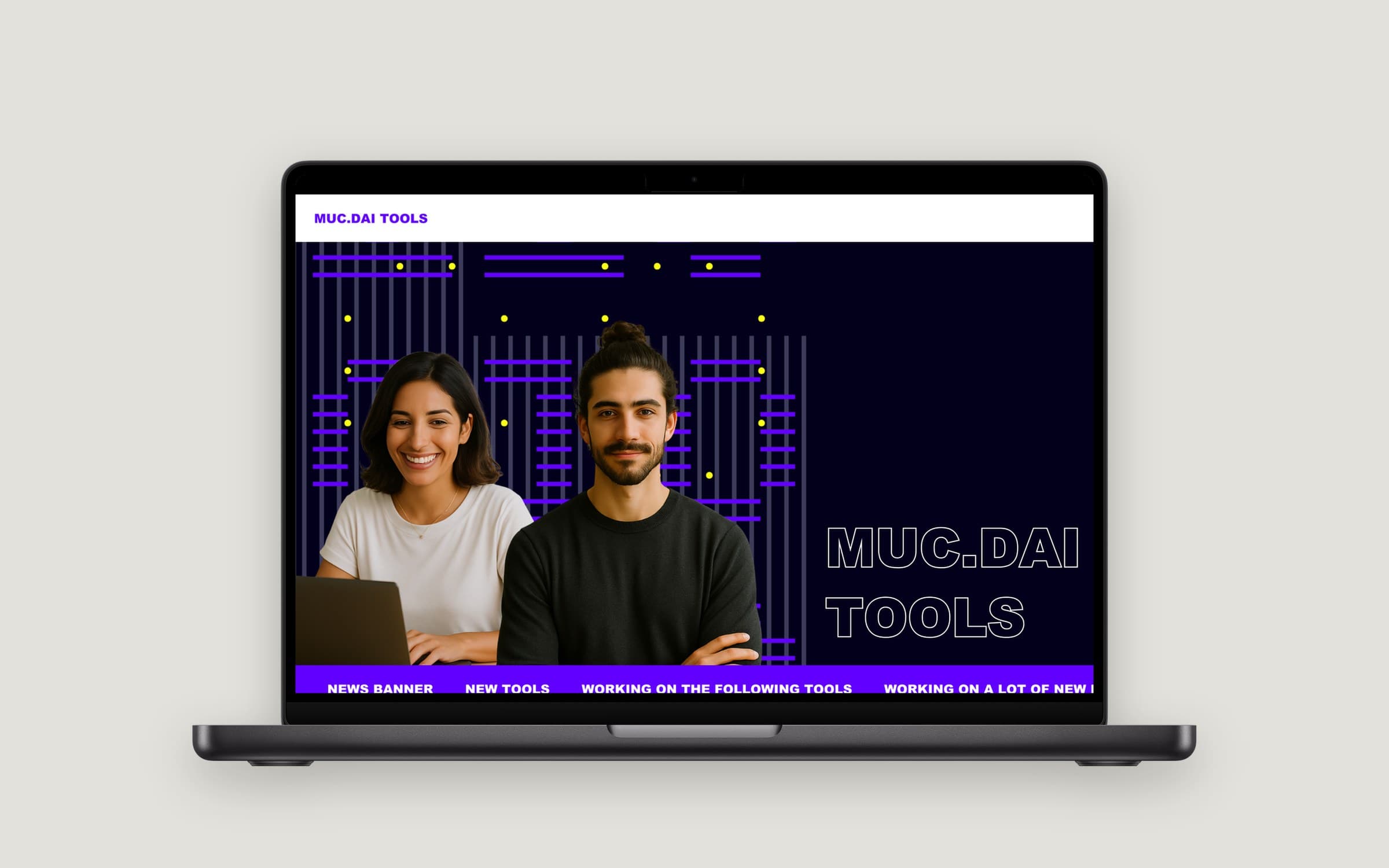
As a student assistant at HM Munich I designed and built MUC.DAI Tools: a web platform that gives students and faculty easy access to AI models — like interview transcription, background music and storyboard image generation — without setting anything up themselves. I took it from Figma prototype and stakeholder alignment to a working, deployed application.
The problem
AI tools could help students and researchers with everyday tasks — transcribing interviews, creating storyboards, producing background music for videos. But every tool needs its own account, setup or local install. The goal: one place where the university community can use AI models directly, and a way to tell the team which tools to build next.
From wireframe to product
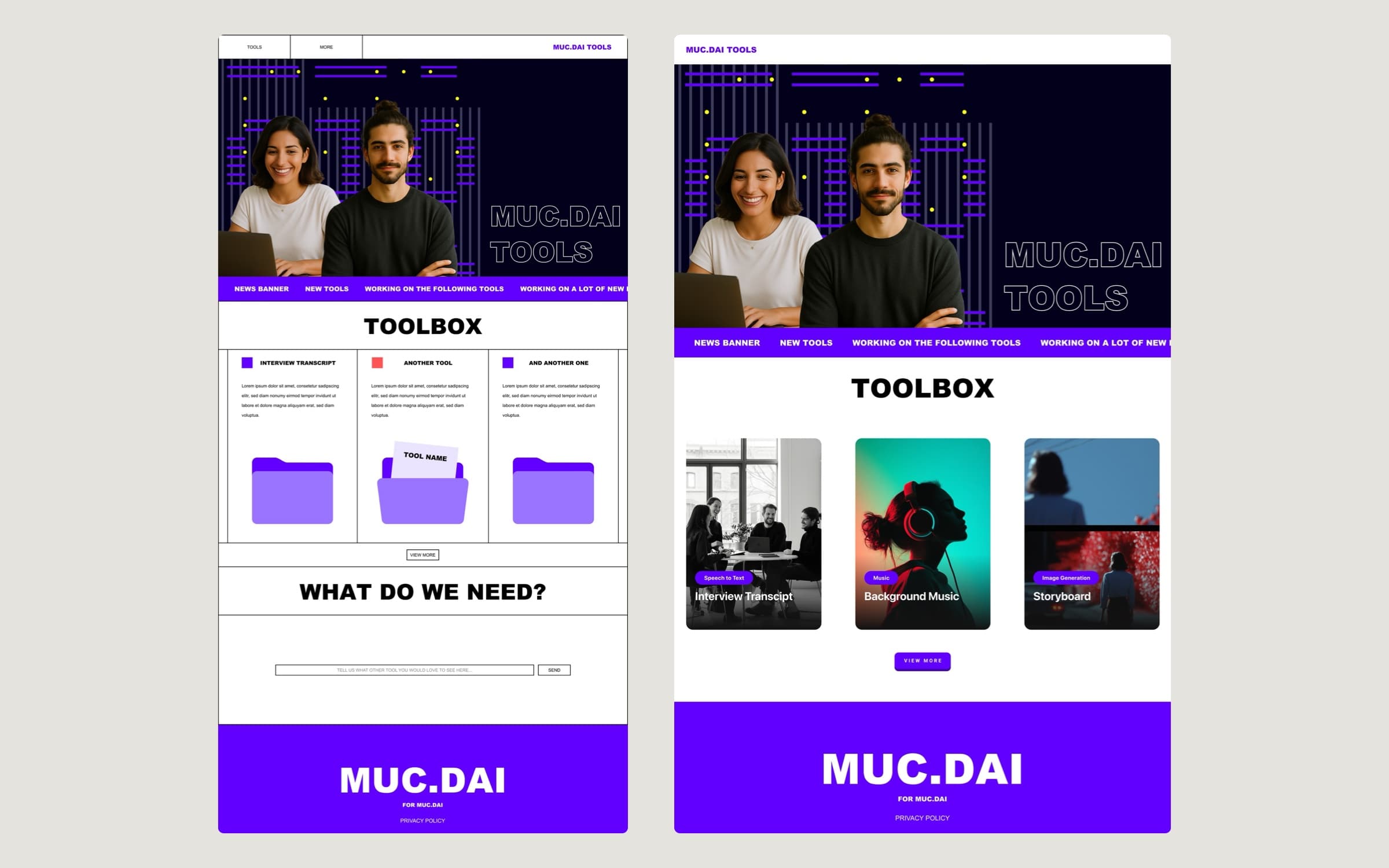
- A toolbox, not a menu. Each AI capability is a card with a clear category (speech to text, music, image generation) and a concrete use case — "Interview Transcript" instead of "Whisper".
- A news banner shows what's new and what's being worked on, so the platform feels alive while tools are added step by step.
- "What do we need?" — a request field where users suggest the next tool. Built-in demand discovery instead of guessing.
My role
- Designed and prototyped the platform in Figma.
- Aligned concepts with stakeholders and worked structured feedback into each iteration.
- Built the approved design into a functional web application.
- Implemented and deployed AI model integrations for university-wide access.
What I learned
Internal platforms compete with "I'll just use ChatGPT". To win, every tool has to save a concrete step for a concrete task — and the platform has to show it's evolving.